Blog · 21 October 2026
What a 5S Workstation Standard Should Look Like
Search for “5S standard template” and you’ll find forms with a dozen fields: document number, revision, approvals, tables of items, sign-off boxes. They look professional. In practice they are one of the reasons 5S doesn’t last.
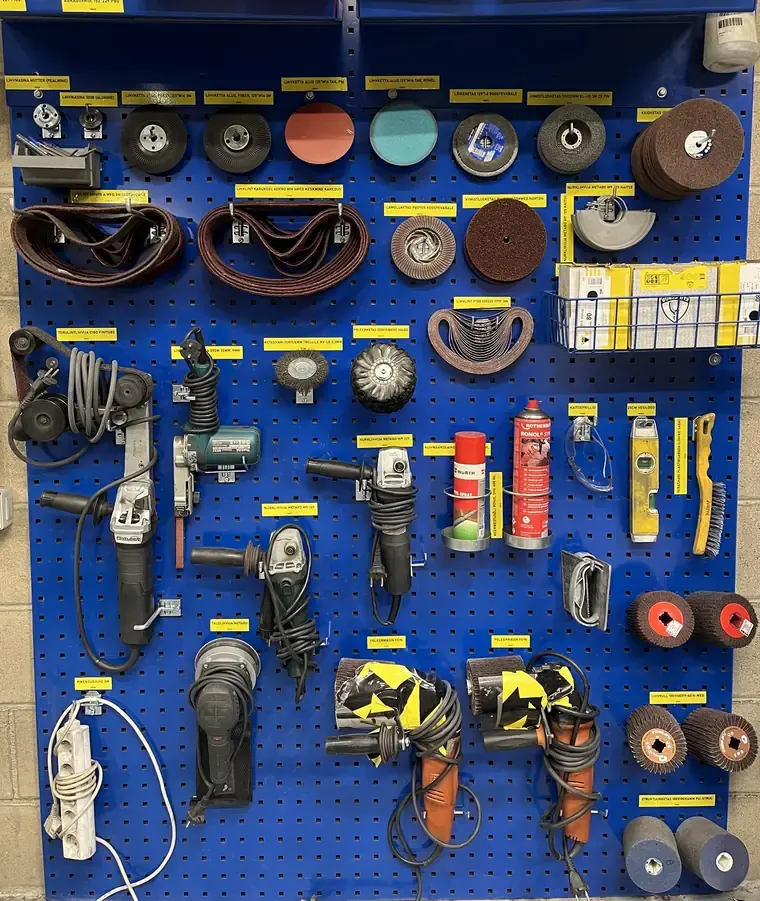
A workstation standard only has to answer one question: what does this place look like when it’s in order? One good photo and a few clear lines answer it better than a binder.
Why heavy standards don’t work on the shop floor
They take too long to make. If one standard takes an hour, a factory with 60 workstations needs weeks just to start. Most never finish.
Workstations change all the time. A new fixture, a different tool, a moved bench, a new product. Each change means editing a document, printing it, laminating it and replacing the old sheet. So it doesn’t happen.
An outdated standard is worse than none. When the sheet on the wall no longer matches the station, people learn to ignore it. After that, they ignore the updated ones too.
Nobody reads them. An operator glances at a standard for a few seconds. If the answer isn’t visible in that time, the standard isn’t used.
What a good workstation standard contains
- One photo of the workstation in order, taken from where the operator stands.
- A few short lines for what the photo can’t show: what must always be there, where the non-obvious things go, what “clean” means at this station. For example: “torque wrench, 2 calipers, marker”, “scrap in the red bin, not on the floor”, “no chips on the table at end of shift”.
- Nothing else. No approvals, no revision tables. The latest version is simply the current one.
How to make one
- Get the area right first. Sort and set in order before you take the picture, or you’ll standardize the mess.
- Take one photo from the operator’s view. Whole work area in one frame, good light, nobody in the way. Two photos at most.
- Write 3–5 short lines in the words the operator uses. If it reads like a procedure, it’s too long.
- Check it with the operator. Ask: “Is this how it should look? Anything missing?” A standard they helped make is one they will keep.
- Put it where people can see it, at the workstation.
Our free workstation standard template follows exactly this format.
A standard you can change in a minute
The test of a good standard isn’t how complete it looks on day one. It’s whether anyone bothers to update it on day 60.
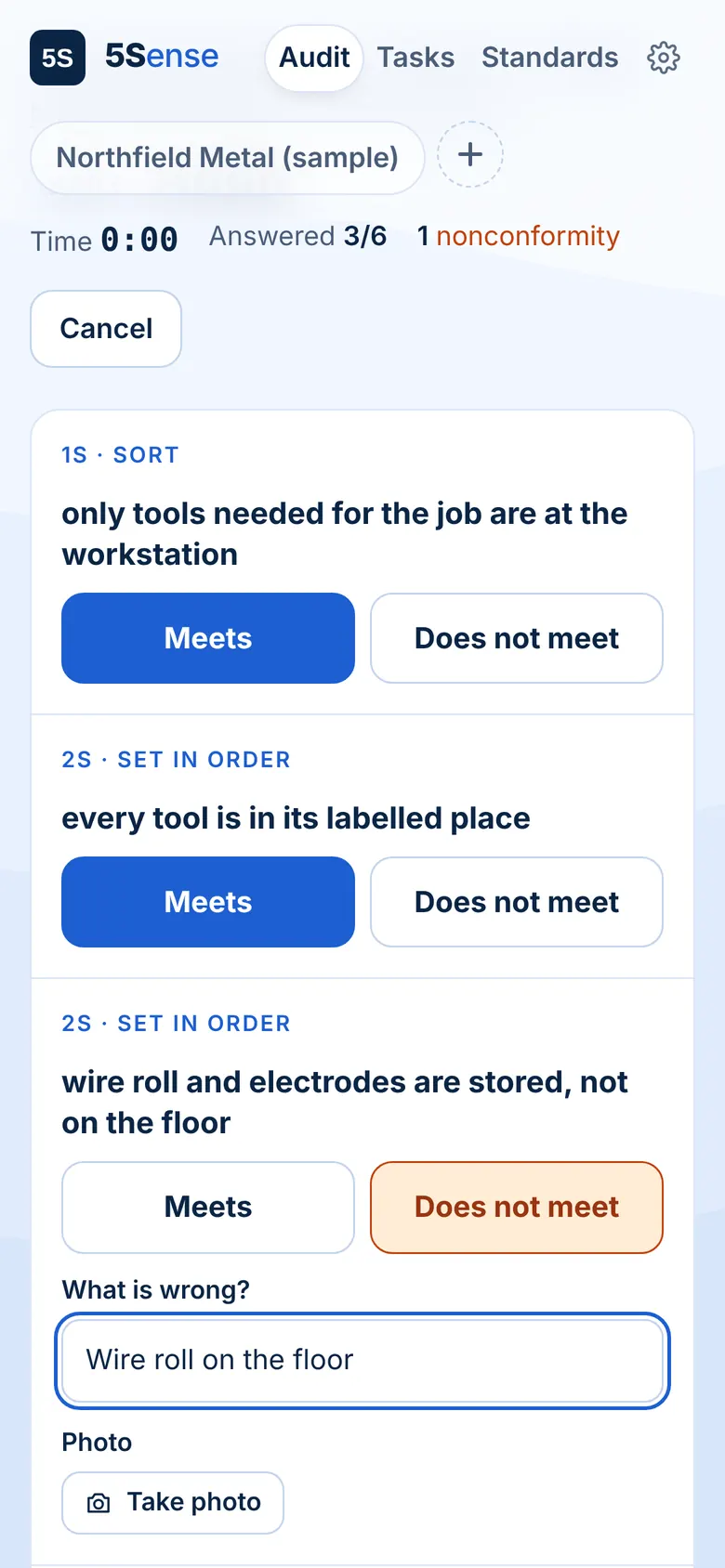
In 5Sense, creating a workstation standard takes about a minute: take a photo, write a few lines, save. Changing it later takes about another minute: new photo, edit the text. The QR code at the station always opens the latest version, so there’s nothing to print or replace. You can also start from a ready-made template for similar workstations.
It also makes audits simple
Once the standard exists, a 5S audit is just a comparison: does the station look like the photo? That turns a long checklist into a quick look, and makes findings clear to everyone.
5Sense: 5S that makes sense. Try the demo
Written by the 5Sense team, people who have run production on the shop floor. About us